
A workable deployment starts by separating PLC control from SCADA supervision, then matching each device, protocol, license and network zone to the job. By the end, you will be able to define the architecture, size the system, test communications and decide whether AVEVA Edge fits your site better than an HMI, data logger or larger plant-wide platform.
Key takeaways
- Keep interlocks, sequencing, trips and safety logic inside the PLC or PAC.
- Use gateway buffering, validated tags and timestamps to prevent bad SCADA data.
- Size tags, history, users and network capacity before selecting the runtime platform.
- Test alarms, trends, permissions and recovery at FAT and SAT.
How an AVEVA Edge architecture fits a Dubai plant
Keep fast control inside the PLC or PAC; place AVEVA Edge above it as the supervisory layer. An AVEVA Edge SCADA solution in Dubai can serve a water skid, production line, utility plant or building-services system without replacing PLC interlocks, sequencing, trips or safety logic.
- PLCs and PACs: execute closed-loop control, permissives, sequences and fail-safe actions in the control network.
- AVEVA Edge runtime station: runs the HMI/SCADA project on an operator panel or industrial PC, displaying values, alarms, trends and commands.
- Operator HMI: gives authorised users faceplates, alarm lists, status screens and manual controls at the machine or control room.
- Development environment: builds screens, tags, alarm rules, drivers, users and reports on an engineering workstation; it is not the production runtime.
- SCADA server or supervisory node: centralises multiple runtime stations, shared alarms, data acquisition and higher-level supervision when the project needs it.
- Historian or database: stores selected process values, alarm events, acknowledgements and reports for analysis and traceability.
- Web or remote-access layer: exposes approved views through a controlled access path, never by placing the HMI directly on the internet.
Put PLCs and Edge stations in an industrial zone, separated from corporate and internet-facing networks by least-privilege firewall rules. Define zones, conduits, accounts, patching, backups and remote-support controls under IEC 62443; an “air gap” alone is not a security design.
MQTT belongs on the telemetry path to a broker or cloud platform. Broker or WAN loss must not stop local permissives or trips. Fix each node’s operating system, display, storage and license before deployment: an engineering-PC project is not automatically suitable for an embedded HMI.
How to integrate PLCs, HMIs and field devices without bad data
A stale PLC value is more dangerous than a blank screen: an operator may act on a pressure or motor status that stopped updating minutes ago. Reliable edge scada hmi plc integration begins by defining data quality, timestamps and failure behaviour before you map a single tag.
1. Confirm the installed PLC, inverter, servo or sensor model and firmware against the AVEVA Edge driver list. Select the actual path—native driver, Ethernet/IP, Modbus TCP, Modbus RTU, OPC UA or MQTT—and test its addressing model, supported data types, diagnostics, timeout limits and serial settings on representative hardware.
2. Build a small communications test project before purchasing final licenses or panels. Map read-only tags, write commands, arrays, signed values, floating-point values and scaled analog signals; compare each value with the PLC watch table and field instrument. Record polling rates, scan times, source timestamps and time-zone handling.
3. Configure failure rules explicitly. On timeout, mark the tag bad, show last value only with a visible stale indicator, reject commands, apply retry intervals and define watchdog alarms. Do not let a disconnected PLC appear healthy.
For OPC UA, also verify the endpoint, namespace, node IDs, security policy, application certificates, trust lists, authentication and subscription settings.
4. Exercise the connection during FAT with simulated or isolated PLCs, cable removal, bad-quality values, restart and network recovery. At SAT, prove actual scaling, device fail states and operator procedures under site conditions; a successful screen demonstration is not an integration test.
Keep interlocks, sequencing and fast control loops in the PLC or PAC. AVEVA Edge supplies supervisory display, alarms and acquisition rather than replacing that control logic.
How to size tags, history, users and network capacity
Count the points before you count the license price. Your design figure is not only PLC registers: include physical I/O, calculated values, internal variables, alarm points, recipe values and tags exchanged with other systems.
1. Calculate tag capacity per runtime node. Record the total, then separate scanned, alarmed, historized and displayed tags. Confirm how AVEVA Edge defines a licensed tag, because one PLC word, bit and derived value may count differently. Add tags for diagnostics and planned expansion rather than forcing them into spare registers.
2. Calculate historian volume with this formula: historized tags × samples per day × retention days. Samples per day equals 1,440 divided by the logging interval in minutes. For 800 tags logged every minute for 365 days, that is 420,480,000 samples before indexes, events, backups and compression.
Size storage for the worst case, not the average shift.
3. Count named users, concurrent sessions, roles and remote clients separately. Specify operator, supervisor, engineer and administrator permissions, then test the maximum simultaneous logins and alarm acknowledgements.
4. Estimate network load from payload bytes × messages per second, then add protocol overhead, retries, alarm bursts and historian transfers. Design for peak polling, not a quiet screen. Keep PLC control traffic local; MQTT and WAN links suit selected telemetry, not trips or permissives.
Fix the tag, storage, session and peak-bandwidth figures before choosing embedded HMI hardware or a PC-based runtime. This calculation is central to industrial SCADA solutions in Dubai, where separated plant, corporate and remote-access networks must also pass only required protocol flows.
How to design operator functions and prove the system at FAT and SAT
A dependable SCADA project is proven by operator actions and failure tests, not by attractive screens. Keep interlocks, sequencing and fast control loops in the PLC or PAC; use AVEVA Edge for visualization, alarms, data acquisition, reports and supervisory commands.
For aveva scada integration in dubai, define each operator function before screen development: start, stop, manual, automatic, reset, setpoint entry, alarm acknowledgement and shelving. Show permissives, command feedback, bad-quality values and communication loss clearly. Apply role-based permissions, audit trails and a documented response for every critical alarm.
1. Freeze the node design. Record the AVEVA Edge runtime target, operating system, display resolution, storage, license, network address and backup method. Test the deployed application on the embedded panel or SCADA PC, not only on the engineering workstation.
2. Run FAT with simulated or isolated PLC communications. Test tag mapping, scaling, timestamps, alarm priorities, shelving, user permissions, historian recovery, bad-quality values, network failure and restart behavior. Record expected and actual results with screen captures and defect numbers.
3. Test security boundaries against the IEC 62443 design. Identify asset owners, zones, conduits, security requirements and hardening responsibilities; attach the required evidence to the FAT record.
4. Repeat the critical tests at SAT using actual I/O. Verify field-device fail states, analogue scaling, panel and network redundancy assumptions, backups and operator procedures under site conditions. A successful screen demonstration is not an integration test.
Close every failed test with an owner, correction and retest result before handover. Include as-built tag lists, alarm settings, licenses, backups and operator training records.
When AVEVA Edge is the right choice—and when it is not
Choose AVEVA Edge SCADA in Dubai when one machine, production cell or utility skid needs more than screen control: alarms, trends, historian records, reports and supervisory commands, while the PLC retains interlocks and sequencing. Do not use it to replace fast closed-loop control.
| Option | What it means | When it applies |
|---|---|---|
| Standalone HMI | Local display and operator commands, with limited history | Choose it for one machine with few users and no cross-area reporting |
| AVEVA Edge | Edge HMI/SCADA runtime with alarms, acquisition, history and supervisory control | Choose it for a cell, line or compact plant needing traceability without a large platform |
| Plant-wide SCADA | Centralised, multi-area platform with broader redundancy and enterprise integration | Choose it when many process areas, control rooms, servers and governance requirements justify the added cost |
| Browser dashboard | Web views focused on KPIs and trends, not full operator control | Choose it for management visibility; do not rely on it for alarms or real-time control |
| PLC data logger | Records selected PLC values with little operator interaction | Choose it for basic evidence; it is inadequate when operators need alarm handling or commands |
A browser dashboard can sit above Edge, but it does not make a disconnected PLC safe. Define stale-value display, bad-quality indication, command rejection, retry timing and recovery behaviour.
For an AVEVA Edge SCADA solution in Dubai, expect local support to include driver testing against your PLC firmware, FAT and SAT, network-zone configuration, backups, license recovery and documented remote access. IkodeAutomation |08048033508 can be assessed by asking for those deliverables, response times, spare-hardware recommendations and an escalation route before handover.
Related products
 | Component Sales and Services Industrial SCADA, HMI & PLC Integration AVEVA Edge SCADA Solutions IKodeAutomation provides professional AVEVA Edge SCADA solutions for industrial automation, machine monitoring, process visualization and production... View product → |
 | Industrial Automation Solutions & System Integration PLC Integration & Industrial SCADA SCADA Development Services Industrial SCADA Solutions by Ikodeautomation is one of the leading choices for SCADA development and industrial automation solutions, providing... View product → |
Frequently asked questions
How does AVEVA Edge fit into a Dubai plant architecture?
Use AVEVA Edge as the supervisory layer above PLCs or PACs. Keep fast control, interlocks, sequencing, trips and safety logic in the control system, while AVEVA Edge provides operator views, alarms, trends, history and supervisory commands.
How do you integrate PLCs, HMIs and field devices without bad data?
Define each tag’s name, data type, engineering unit, scaling, quality state and timestamp. Use the correct PLC driver or industrial protocol, validate communications, handle stale values and prevent HMI writes from bypassing PLC permissives.
What should you size before deploying AVEVA Edge SCADA?
Count live tags, historical tags, alarm points, concurrent users, screens, polling rates, retained history and connected sites. Then check PLC scan impact, server CPU and memory, storage growth, switch capacity and network redundancy.
What should FAT and SAT prove for an AVEVA Edge system?
FAT should verify screens, tag mapping, alarms, trends, user permissions, command permissives, historian records and failure responses against approved test scripts. SAT should repeat critical tests on the installed network with live PLCs, field devices and operators.
When is AVEVA Edge the wrong choice?
Choose another platform when you need a much larger multi-site historian, advanced distributed control, extensive enterprise integration or a feature set outside the project’s licence and support model. Compare lifecycle cost, protocol coverage, redundancy and engineering effort before selection.
Related product
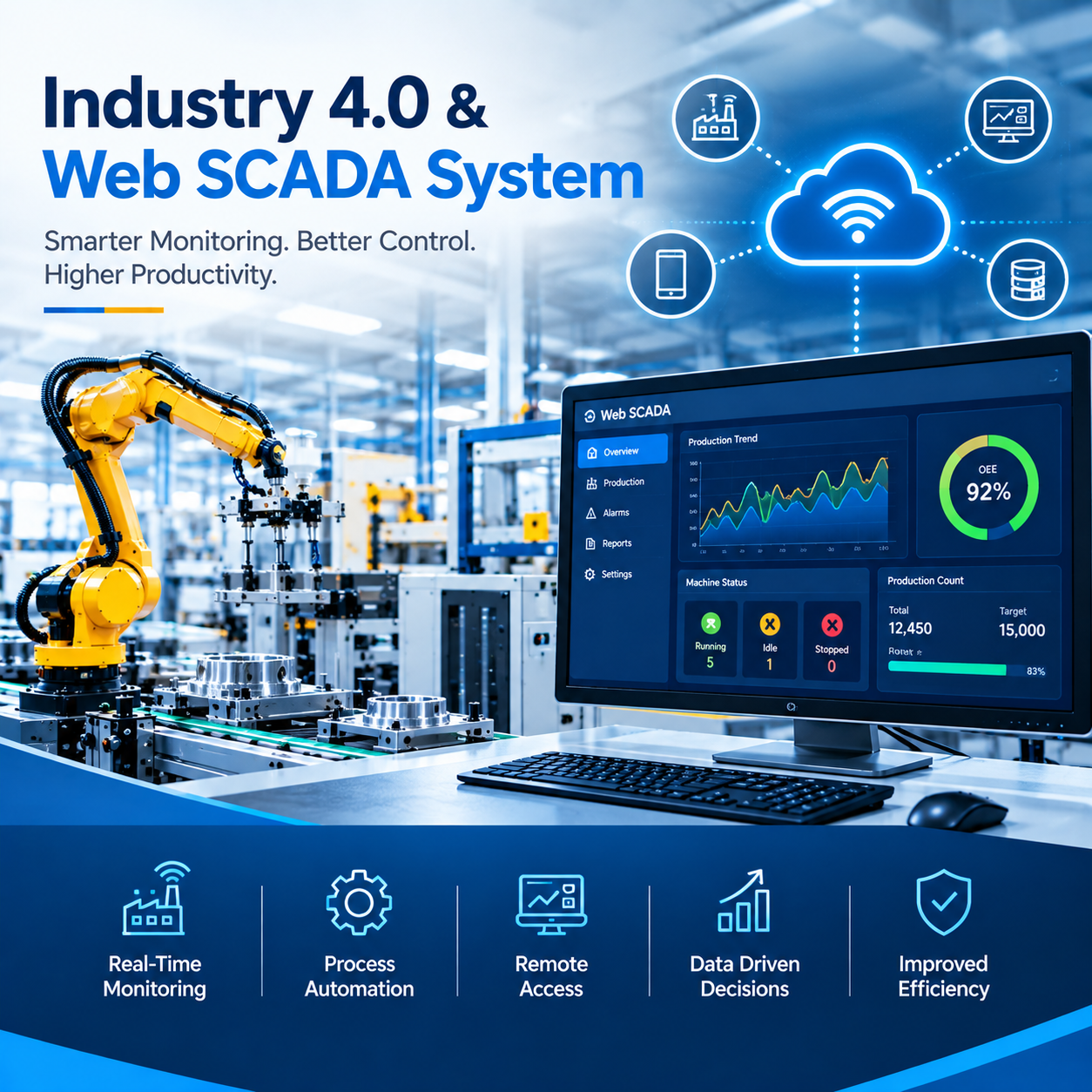 | Industrial Automation Solutions & System Integration Industry 4.0 & Web SCADA System Smart Industrial Monitoring and Web-Based SCADA Solutions Ikodeautomation provides Industry 4.0 and Web SCADA solutions for industrial automation,... View product → |