
A stopped machine does not automatically need a new PLC. By separating logic, field-device, network, wiring and mechanical faults, you can decide when PLC programming services are justified, prepare the right technical evidence, protect production data and approve a change with a rollback plan.
Key takeaways
- Replace the PLC only after checking hardware health, logic, interlocks and signal mapping.
- Collect the PLC model, software version, backup, fault history and I/O list before site work.
- Save a tested project archive with controller data, HMI files, recipes and change records.
- Test changes in simulation or controlled production, then document rollback steps and operator handover.
When does a production fault need PLC programming rather than a replacement?
Use PLC programming services when the controller is healthy but its sequence, interlocks, timing, device mapping, recipe handling or machine interface no longer matches production requirements. Do not replace a working PLC to correct a changed process or poorly mapped signal.
Start automation troubleshooting by recording the exact alarm, affected station, machine state, first observed time, recent changes and affected cycle. Trace the failed function in this order:
- Program command
- Permissive and interlock status
- Output tag or image
- I/O-module channel diagnostic
- Terminal voltage and wiring
- Actuator response
- Feedback sensor
A failed proximity sensor, loose terminal, damaged output module or seized valve is not a PLC fault because the HMI displays an alarm.
Before changing code or forcing a signal, check the Siemens diagnostic buffer, CPU RUN/STOP state, module and channel diagnostics, PROFINET device status and watch tables. Give every force an owner, reason, start time and verified removal check. Never use one to bypass an emergency stop, guard interlock or safe-motion function.
| Condition | Better action | Reason |
|---|---|---|
| Healthy PLC, changed sequence or recipe | PLC programming | Logic no longer matches production |
| Failed sensor, wiring, valve or output channel | Repair or replace field hardware | Code is not the failed component |
| Obsolete hardware, unavailable spares or repeated network faults | Controls retrofit | Isolated programming becomes uneconomical |
| Proprietary libraries, robot handshakes or undocumented safety logic | Call the OEM | Risk depends on restricted logic |
For emergency stops, guard interlocks, light curtains and safe motion, apply IEC 61508 and ISO 13849-1 lifecycle and validation expectations, not ordinary sequence-logic testing.
What should you collect before a programmer arrives at the Pune plant?
A complete equipment record prevents a wasted visit. Photograph the PLC CPU order number and firmware version, rack layout, I/O modules, power supplies, network switches, IP addresses, PROFINET device names, HMI model, SCADA connection, drives, safety CPU, barcode readers, robots and line-level handshake signals.
- Identify the engineering software and exact release: installed Siemens TIA Portal version, license, option packages and compatible programming cable.
- Send the latest known-good PLC project, HMI application, electrical drawings, panel schematics, I/O list, drive parameter files, alarm screenshots and every machine change since the last successful run.
- Record whether the fault survives a power cycle, recipe change, manual mode, automatic restart or communications recovery.
- State the permitted outage window, required production isolation, physical access, restart authority and dependent equipment that must stop with the machine.
- Confirm whether a tested spare CPU, I/O module, HMI panel or drive is available onsite.
| Record | Evidence to collect | Risk if missing |
|---|---|---|
| Siemens PLC programming | CPU diagnostics, project version, device configuration | No safe comparison or download |
| Siemens TIA Portal programming | Exact release, license, cable and option packages | Project will not open or compile |
| Automation troubleshooting | Alarm, machine state, first occurrence and recent changes | Symptom cannot be reproduced |
Send this pack before dispatch; a technically correct visit still fails without the project, license, cable, drawings or restart permission.
How do you create a PLC backup that is usable for future maintenance?
An online upload is not a maintenance backup. It can retrieve executable blocks from a CPU while losing symbolic names, comments, source blocks, libraries, hardware configuration, technology-object settings, recipes, HMI screens and safety signatures.
| Option | What it contains | Risk if used alone |
|---|---|---|
| Online upload | CPU-executable blocks | Future edits lack engineering context |
| Engineering archive | Source, configuration and connected-system data | Requires version control and verification |
| Verified recovery set | Archive, values, credentials and rollback copy | Supports controlled restoration |
Create the engineering backup with:
- PLC source project, hardware configuration, user-defined data blocks and permitted retentive values
- HMI project, SCADA dependencies, drive parameters, device names, network settings and safety program
- Password or access-control record, CPU order number, firmware, TIA Portal version, upload or archive date, machine identity and last known-good status
For Siemens TIA Portal programming, name files consistently, such as plant-cell-machine_revision_date. Add a revision note covering the fault, changed blocks, affected interfaces and approval. Save the pre-change project as a read-only archive, work from a copy, compare offline before downloading and retain the post-commissioning archive.
Check the migration path before opening a project in a newer TIA Portal release. CPU firmware, HMI runtime, drives, libraries and option packages may need coordinated changes, and an upgraded project is not automatically editable in an older installation. Define a rollback project and restore procedure first.
After testing, reconcile online edits with the engineering workstation and archive the final state. This discipline turns Siemens PLC programming and broader plc programming into recoverable maintenance rather than guesswork.
How should the programming change be tested and handed back to production?
Acceptance requires evidence beyond “machine running.” Use this controlled automation troubleshooting and PLC programming workflow:
- Capture the symptom, exact alarm, machine state, station, first observed time, recent changes and diagnostic evidence.
- Make the machine safe, isolate energy, record temporary bypasses and identify affected I/O before forcing any signal.
- Retrieve the project, compare the running program with the known-good backup, then isolate failed I/O from a genuine logic fault.
- Test the proposed Siemens PLC programming change offline, save the pre-change project and approve the download and rollback plan.
- For cycle-time complaints, inspect communication jobs, indirect addressing, large data copies, motion or technology-object processing and diagnostic logging before increasing the watchdog limit. Restructure or stage overloaded work instead.
- Commission during the agreed outage and verify the following before release:
| Test area | Verify | Acceptance evidence |
|---|---|---|
| PLC and interfaces | Drives, remote I/O, HMI, safety CPU, barcode readers, robots and line handshakes | Signals, telegrams and ownership work together |
| Data and modes | Retentive counters, setpoints, recipes, calibration values, automatic restart and manual mode | Values match an independent record after download, reset, CPU replacement, firmware change or backup-power loss |
| Recovery and safety | Recipe changeover, fault and communications recovery, alarm text, safe reset, emergency stop, guard interlock, light curtain and safe motion | Approved validation results, not an operator’s visual check |
Record the symptom, root cause, corrective change, test results, remaining risks and archive location. Reconcile online edits with the engineering project and document the final PLC state; machine operation alone is not acceptance.
Which maintenance support model fits your Pune production equipment?
Choose support by fault risk, urgency, documentation quality and future ownership, not by who answers first.
| Option | Best fit | Main risk or trade-off |
|---|---|---|
| In-house troubleshooting | A documented line, trained staff, licensed engineering workstation and current verified backup | Online edits, shared passwords and undocumented forces can create an unsafe program mismatch |
| Remote assistance | A clear alarm, secure remote access, live diagnostics and a qualified person at the panel | It cannot replace voltage checks, mechanical inspection or approved safety validation |
| OEM-only support | Proprietary motion, robot, recipe or safety libraries | Travel, response time and dependence on one supplier can extend recovery |
| Local integrator | Changes crossing PLC logic, HMI, drives, remote I/O and production handshakes | Define ownership, approvals and the final archive before work starts |
| Controls retrofit | Obsolete PLCs, unsupported software, unavailable modules, recurring network faults or undocumented safety architecture | Higher planned disruption, but repeated patches may be riskier |
Before dispatch, specify the outage window, physical access, dependent equipment, restart authority, project version and available spare CPU or I/O module. Confirm the machine drawings, programming cable, license and exact Siemens TIA Portal programming release.
IkodeAutomation |08048033508 can support Pune manufacturers when a maintenance job includes fault evidence, an asset baseline, change approval, commissioning tests and a final archive.
Apply IEC 62443 controls to engineering-port access, administrator credentials, remote connections and USB project transfers. Separate automation troubleshooting from field and mechanical faults by checking the command, permissive, output channel, terminal voltage, actuator and feedback sensor in order.
Related products
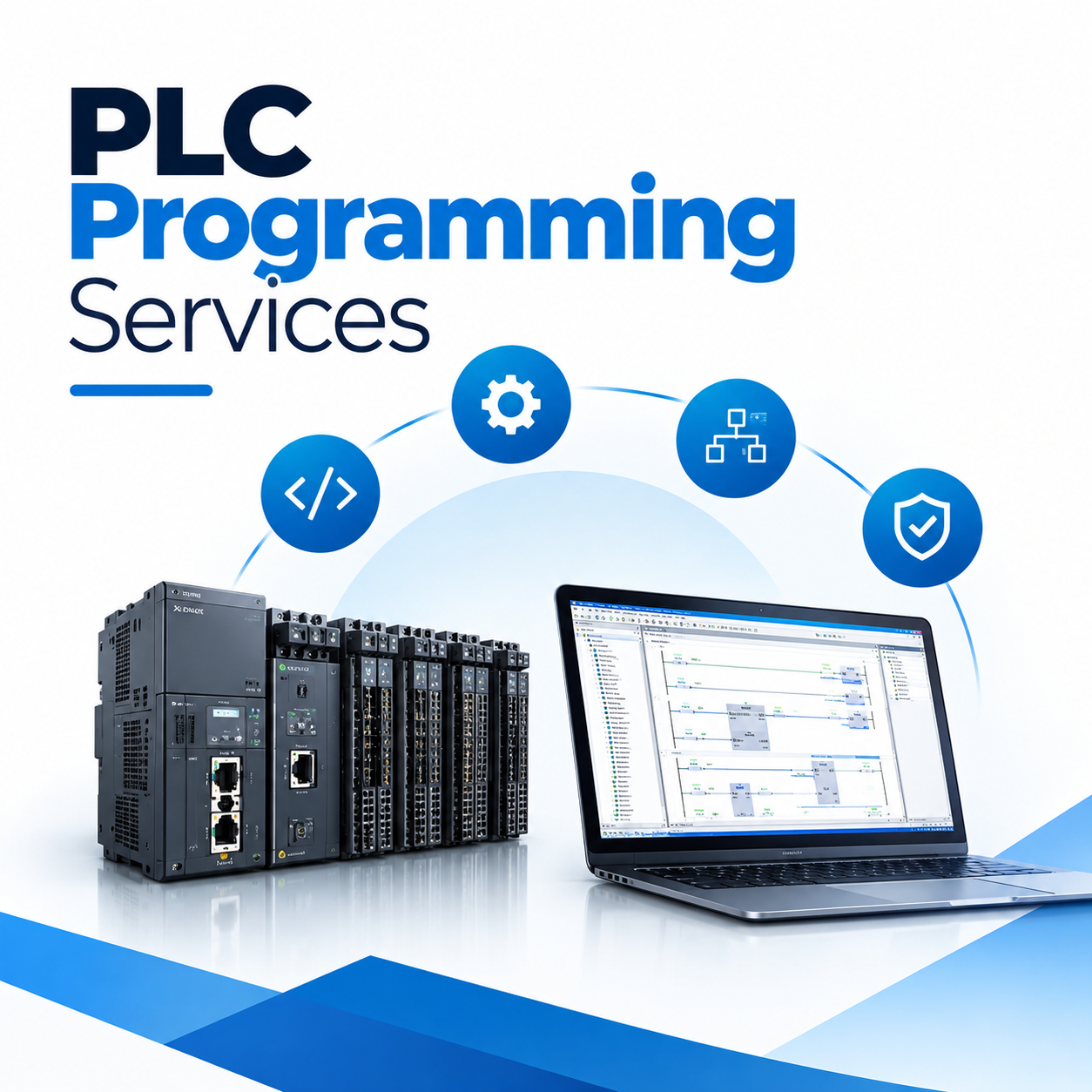 | Industrial Automation Solutions & System Integration PLC Programming Services Professional PLC Programming & Automation Solutions - Ikode Automation is one of the best PLC programming and industrial automation solution... View product → |
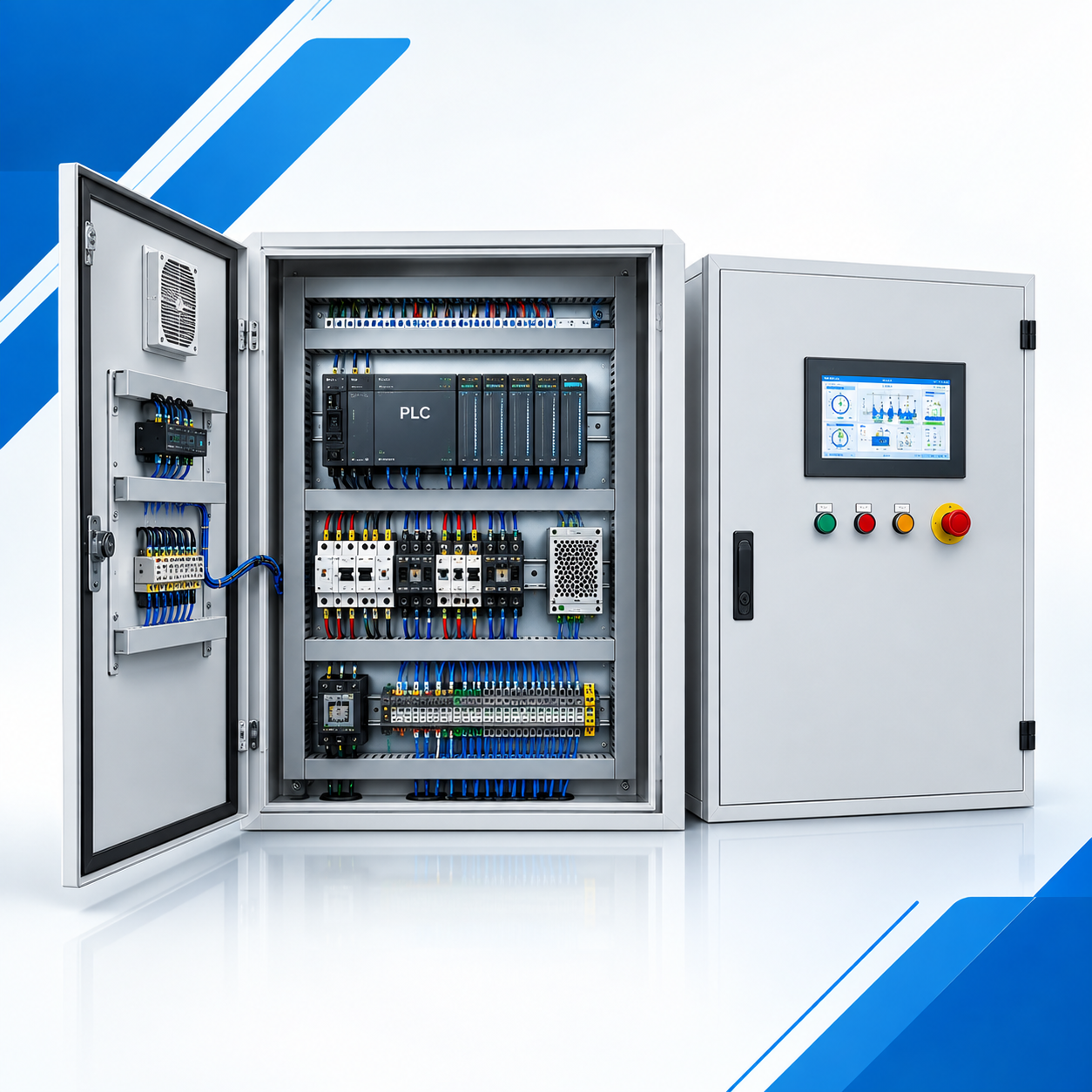 | Industrial Automation Solutions & System Integration PLC Control Panel Manufacturer & Automation Solutions Professional PLC Control Panel Design & Automation Solutions -Ikodeautomation provides professional PLC Control Panel design, manufacturing,... View product → |
Frequently asked questions
When does a production fault need PLC programming rather than a replacement?
Use PLC programming when the controller is healthy but its sequence, interlocks, timers, device mapping, recipe handling or HMI no longer matches production. Replace hardware when diagnostics show controller, memory, power, communication or I/O failure.
What should you collect before a programmer arrives at the Pune plant?
Collect the PLC make and model, CPU and firmware details, programming software version, current project backup, HMI files, I/O list, electrical drawings, alarm history, fault timestamps, machine sequence and recent production changes.
How do you create a PLC backup that is usable for future maintenance?
Upload and verify the controller project, save the PLC and HMI programs, hardware configuration, recipes, drive parameters, safety configuration and firmware details. Record the machine name, backup date, software versions and restore procedure in a controlled archive.
How should the programming change be tested and handed back to production?
Review the changed logic, test permissives and fault recovery, check affected I/O and HMI screens, run dry-cycle and controlled production tests, record results, retain the previous version and brief operators and maintenance staff.
Which maintenance support model fits Pune production equipment?
Choose on-demand automation troubleshooting for isolated faults, scheduled PLC programming support for planned improvements, or a retained maintenance arrangement when the equipment needs recurring response, backups, audits and controlled change management.