
A machine signal becomes useful only when its value, timestamp, quality, meaning and ownership survive every handoff between the plant floor and the browser. By following that path, you can distinguish control from monitoring, specify a workable deployment, and test whether the finished system remains useful during communication, server and power failures.
Key takeaways
- Trace every signal from field device to PLC tag, gateway and browser display.
- Test scaling, timestamps, alarm states and communications before operator handover.
- Separate user permissions and browser sessions so each role sees appropriate controls.
- Prove historian recovery, alarm delivery and system behaviour during network outages.
From Sensor Signal to Browser Dashboard: The Complete Data Path
A motor-running bit begins at an auxiliary contact or drive status output, reaches a digital I/O module, and enters the PLC’s tag table. A temperature transmitter or production counter follows the same path, with analogue scaling or pulse counting performed before the controller uses the value.
- The PLC or DCS executes interlocks, sequences and time-critical control. An HMI provides local operation even when supervisory services are unavailable.
- The controller publishes tags across Profinet, EtherNet/IP, Modbus TCP or another industrial network. Preserve each value’s engineering units, scaling, source timestamp and quality status.
- An edge gateway or OPC UA server collects structured data and forwards it to the alarm service, historian and application server. OPC UA can carry metadata, events and status rather than only a raw register.
- The alarm service detects a failed motor start and records the condition. The historian stores a timestamped run-status value, while the application server prepares trends, reports and approved commands.
- The web server delivers the application view to the browser client. A web based SCADA system supervises the process; MES manages production execution and genealogy, while cloud analytics compares sites or supports longer-term analysis.
- The browser shows the motor as a run-status tile, the alarm service raises “start failure,” the historian retains the record, and MES includes the event in a production report.
Keep the web layer out of the only control path. A WAN, web server, historian or cloud outage must not stop PLC or DCS control. This separation is essential when specifying an industrial monitoring system in Bengaluru.
How to Commission the Integration Before Operators Use It
Commissioning turns connected equipment into a dependable Industry 4.0 system; a screen that merely displays values is not enough. An industry 4 point 0 automation integration project needs verified signals, ownership, security and recovery evidence.
1. Audit each machine, controller, instrument, existing tag list and network path. Record PLC models, firmware, I/O, serial links, IP addresses, scan rates, units, timestamps and known legacy constraints.
2. Define an asset hierarchy and naming convention before creating tags. Assign each site, area, line, machine, device and signal one stable identity.
3. Identify users, roles and alarm ownership. Separate operator, maintenance, engineer and administrator permissions, then assign a named response to every alarm.
4. Select protocols by equipment. OPC UA suits structured mixed-vendor data with units, metadata, events and methods. Modbus TCP and Modbus RTU require address maps, data types, byte order, scaling and quality rules; a successful read does not prove a healthy value. Profinet fits its controller ecosystem, while EtherNet/IP fits Rockwell-oriented systems.
5. Use MQTT for publish/subscribe pipelines, not as proof of complete historian records. QoS 1 can duplicate messages, so downstream processing must deduplicate them or remain idempotent. Add serial-device gateways where RS-232 or RS-485 devices cannot join Ethernet, and document what legacy PLCs cannot expose.
6. Map PLC tags, build screens, configure commands and permissions, then test communication loss, stale or bad quality, incorrect scaling and time-source failure.
7. Validate every alarm, including delay, deadband, acknowledgement and escalation. Train operators on actions, not just navigation.
8. Hand over tag lists, network diagrams, backups, source files and test records. A web scada system in bengaluru deserves the same evidence as any safety-conscious plant.
How a Web SCADA System Serves Multiple Browser Users
An operator opening a page in a web-based SCADA system authenticates before the application server returns an approved view. The browser sends readings and commands through the web and application layers; it never connects directly to PLCs.
| Layer | Responsibility | Access |
|---|---|---|
| Browser client | Displays screens, trends and approved commands | Operator or engineer |
| Application server | Applies roles, workflows and command rules | Browser-facing service |
| Web server | Handles HTTPS sessions and page delivery | DMZ or presentation zone |
| Historian/database | Stores time-series values, events and audit records | Read/write services |
| Alarm server | Evaluates limits, delays, deadbands and acknowledgements | Supervisory services |
| OT data-access layer | Reads PLCs through OPC UA, gateways or drivers | Protected OT zone |
A temperature enters with a source timestamp and good, uncertain or bad quality flag. The system applies scaling and engineering units, stores raw or processed data, shows the current reading, plots a trend, raises a high-temperature alarm after its configured delay and includes the value in a report.
| Dataset | Purpose |
|---|---|
| Cached dashboard data | Fast, pre-aggregated display; not the plant record |
| Historian record | Timestamped series with raw values, quality and event context |
Specify operator and engineering privileges, role-based access, session timeout, audit-trail fields, alarm ownership and concurrent-user licensing. Keep PLCs in an OT zone; permit local access and controlled remote access through approved conduits. A WAN or internet failure must remove remote viewing, not expose the PLC subnet or stop essential control.
An Industry 4 point 0 web SCADA system in Bengaluru must document these boundaries before deployment.
How to Engineer Alarms, Historian Storage and Outage Recovery
A useful alarm has a defined consequence and an owner. Apply ISA-18.2 from philosophy through identification, rationalization, design, operation, monitoring, maintenance and management of change. For each alarm, record priority, setpoint, deadband, delay timer, acknowledgement rule, shelving limit, escalation path and alarm-history requirement.
Rationalize nuisance alarms out; a high-temperature alarm that demands shutdown is not equivalent to a diagnostic saying the historian connection failed.
| Capture method | Best fit | Main risk |
|---|---|---|
| Periodic | Fast control-loop values | Excessive volume or missed short events |
| Event-based | Production counts and state changes | Lost events without sequence numbers |
| Change-triggered | Slow utilities and meaningful value changes | Deadband hides small but important drift |
The PLC or source device owns the timestamp; synchronize controllers, gateways, servers and databases with one plant time source. Retain raw tags for the agreed audit period and compressed trends for the analysis period.
Specify backup frequency, recovery-point objective, recovery-time objective and offline buffering duration in hours, not “long-term retention.” A historian must remain the plant record; a cached dashboard is not one.
Store-and-forward queues data during PLC, network or historian outages, then preserve quality and original timestamps. Define queue-full action—oldest-drop, newest-drop or stop-and-alert—and deduplicate MQTT QoS 1 messages with message IDs or idempotent processing. Operators own process alarms; controls or OT support owns communication diagnostics.
Apply IEC 62443 responsibilities across supplier and plant teams: least privilege, separated engineering access, patch approval, protected backups and tested restoration. An industrial monitoring system in Bengaluru still needs local buffering and alarm handling when WAN or cloud access fails.
How to Prove the Finished System Works in Production
A production-ready deployment proves failure behaviour, not just attractive screens. Run each test with a recorded result, timestamp, responsible person and corrective action.
- Disconnect PLC communication: display bad quality, raise a diagnostic alarm and preserve local control.
- Inject stale and bad-quality values: block misleading KPIs, trends and commands.
- Stop the time source: record the fallback clock and flag affected data.
- Stop the historian: verify local buffering and recovery without data loss.
- Delay and duplicate MQTT messages: confirm ordering rules and idempotent processing.
- Create an alarm flood: verify priority, shelving, acknowledgement and escalation.
- Remove WAN or cloud access: retain required local control, alarms, visualisation and buffering.
- Restore from backup: record recovery time and compare restored tags, users and configuration.
- Remove a user: prove login rejection, session termination and audit-trail entry.
Demonstrate that essential PLC sequences, interlocks and safety functions continue when the web server, historian or cloud link fails. Hand over the test records, alarm list, tag list, architecture, backups, recovery procedure, training record and signed punch-list closure.
Roll out incrementally: inventory assets and signals; agree semantic names and KPI ownership; connect a limited machine group; validate quality, timestamps and operator action; then scale.
For a buyer comparing an industry 4 point 0 web scada system in Bengaluru with a web scada system in Bengaluru, request these items in writing:
Architecture | Tag list | Protocol responsibility | Alarm philosophy | Historian policy | Cybersecurity boundary | Licensing model | Failover design | Training plan | Handover documents
IkodeAutomation |08048033508 may suit a Bengaluru manufacturer needing one tested commissioning plan, but these acceptance criteria should govern selection.
Related products
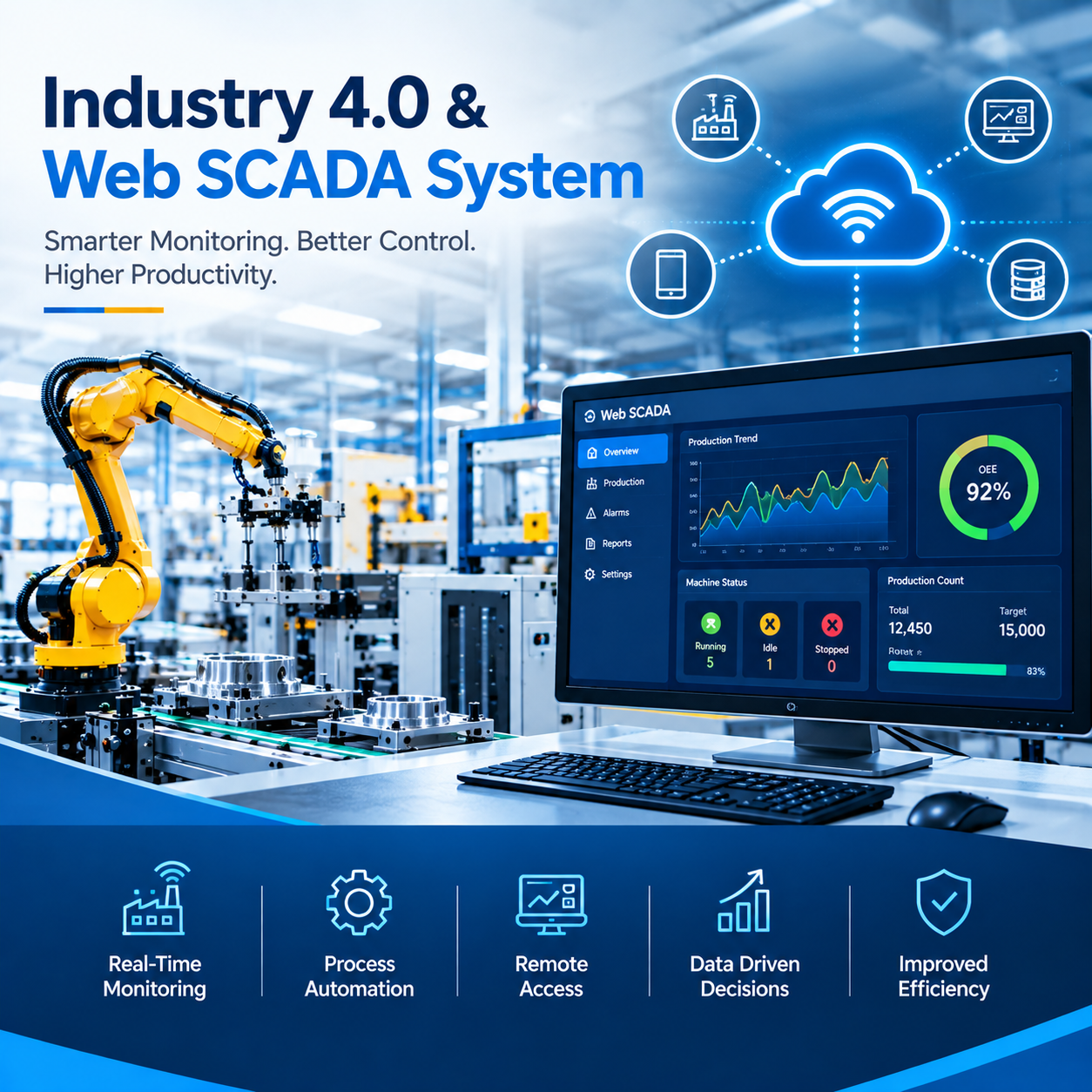 | Industrial Automation Solutions & System Integration Industry 4.0 & Web SCADA System Smart Industrial Monitoring and Web-Based SCADA Solutions Ikodeautomation provides Industry 4.0 and Web SCADA solutions for industrial automation,... View product → |
 | Industrial Automation Solutions & System Integration PLC Integration & Industrial SCADA SCADA Development Services Industrial SCADA Solutions by Ikodeautomation is one of the leading choices for SCADA development and industrial automation solutions, providing... View product → |
Frequently asked questions
How does a signal reach a Web SCADA dashboard?
A field signal enters an I/O module, is processed in the PLC, passes through a communication gateway or server, and appears as a tagged value in the browser dashboard.
How do you commission a Web SCADA integration before operators use it?
Test tag mapping, analogue scaling, pulse counts, timestamps, alarm states, commands, user permissions and communication-loss behaviour against the approved I/O list.
How can multiple users access one Web SCADA system?
A Web SCADA server manages shared plant data while browser sessions receive role-based views and permissions through user authentication.
How should alarms, historian storage and outages be engineered?
Define alarm priorities and deadbands, set historian sampling and retention rules, and test buffering, reconnection, timestamp integrity and recovery after outages.
How do you prove the finished system works in production?
Run documented factory and site acceptance tests, compare live values with field instruments, test operator actions, review alarm records and sign off the results.
Related products
 | Component Sales and Services Industrial SCADA, HMI & PLC Integration AVEVA Edge SCADA Solutions IKodeAutomation provides professional AVEVA Edge SCADA solutions for industrial automation, machine monitoring, process visualization and production... View product → |
 | Component Sales and Services Siemens Industrial Automation Solutions IkodeAutomation provides professional Siemens Industrial Automation solutions for machine builders, OEMs, manufacturing industries and process... View product → |