
A Siemens project can fail before commissioning if the CPU, firmware, engineering software, HMI, drives and network plan are treated as separate details. You will be able to define the TIA Portal scope, check S7-1500 compatibility, prepare a safer development workflow and assemble the records a support provider needs to estimate or recover the work.
Key takeaways
- Match STEP 7, WinCC, Startdrive and safety work to your machine architecture.
- Build S7-1500 logic around the I/O list, operating sequence and fault responses.
- Record TIA Portal versions, PLC firmware, drive data and recovery files.
- Request source projects, backups, licences, test records and as-built documentation at handover.
What Siemens TIA Portal includes—and which programming service you actually need
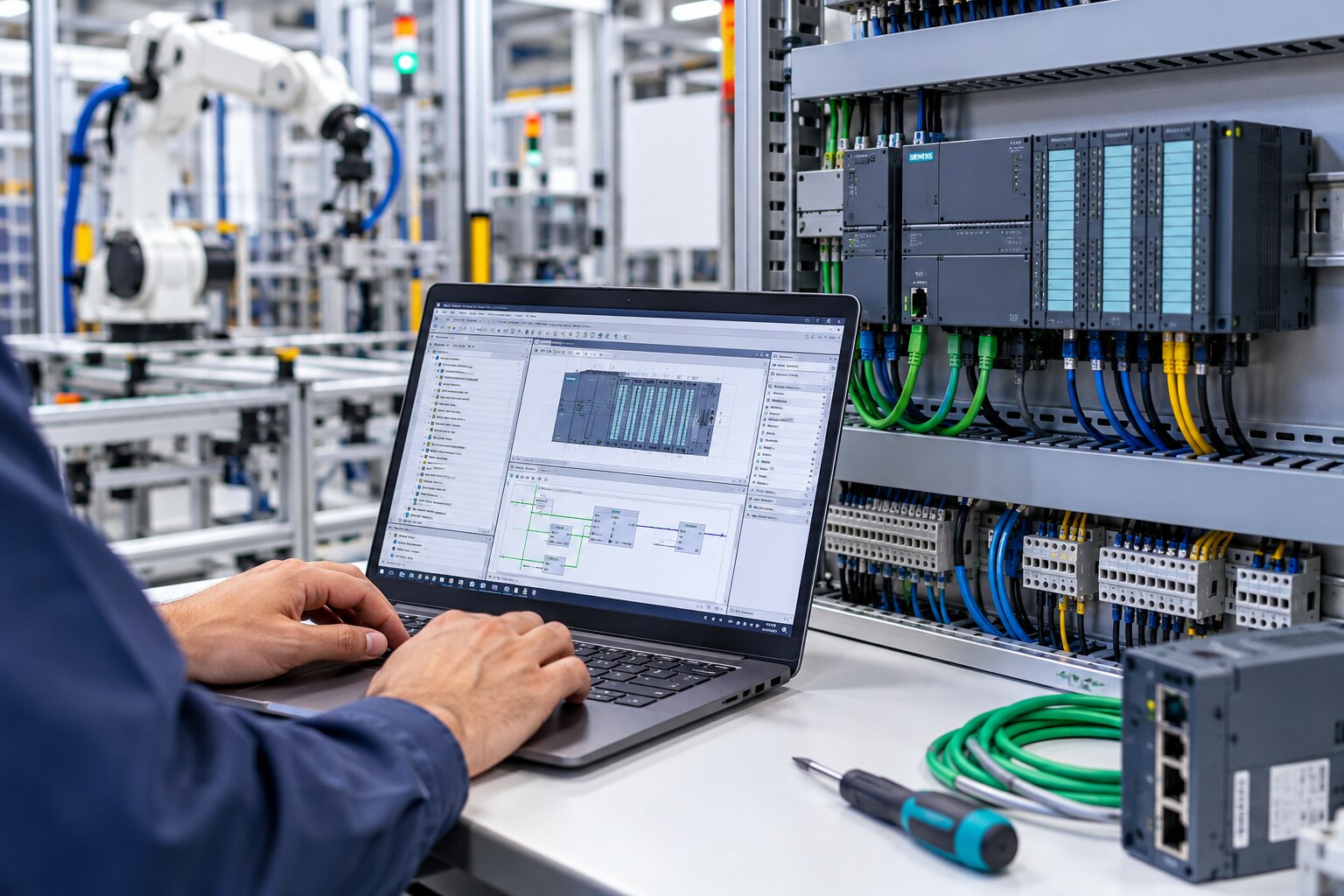
Siemens TIA Portal is an engineering environment, not one programming package. A project can combine STEP 7 for S7 controller hardware configuration and logic in LAD, FBD or SCL; WinCC for HMI and SCADA; and options for hardware diagnostics, network configuration, safety and drives, including Startdrive.
| Term | What it means | What it may include |
|---|---|---|
| Siemens PLC programming | The broader task of creating controller logic | Sequences, interlocks, alarms and data handling |
| Siemens S7 PLC programming | Programming a specific S7 family | S7-1200, S7-1500, S7-300 or S7-400 |
| Siemens TIA Portal programming | Complete project engineering across connected tools | PLC, HMI, drives, safety, networks and diagnostics |
Ask for the scope behind the quotation. Identify:
- PLC and other required devices
- Programming languages, including LAD, FBD or SCL
- HMI screens, WinCC functions and SCADA connections
- Drives, Startdrive parameters and commissioning
- Safety functions, F-I/O, validation and required Safety options
- Communication packages, hardware-support packages and licenses
A PLC-only estimate covers controller logic; it does not cover WinCC screens, safety validation or drive commissioning. An S7-1500F CPU also does not make a machine safety-compliant without a validated safety program, F-I/O, diagnostics and a generated safety signature.
If an S7-300 or S7-400 is being replaced, request migration assessment instead of assuming imported code is production-ready.
How to build an S7-1500 project from the machine architecture
Start with the machine architecture, not a generic S7-1500 family name. Select the CPU by order number, cycle-time performance, work-memory and load-memory capacity, onboard communication interfaces, technology functions, and required firmware. Record the exact CPU order number, firmware version, TIA Portal release and hardware-support packages before Siemens S7 PLC programming begins.
Translate the electrical design into the project hardware:
- Add signal modules for digital and analogue I/O, including channel type, voltage range and diagnostics.
- Add technology modules for functions such as high-speed counting, measurement or motion.
- Add distributed I/O stations and PROFINET devices with their device names, addresses and network role.
- Create technology objects for positioning, cam control or high-speed counting instead of hiding these functions inside ordinary logic.
An S7-1500F CPU, F-I/O and a validated safety program belong in the design when the risk assessment identifies safety functions. Separate standard logic from safety logic, then engineer and validate the required Performance Level under ISO 13849-1 or SIL-related requirements under IEC 62061. An F-CPU alone does not make ordinary code safety-compliant.
Access mode affects interfaces as much as programming. Optimized blocks suit symbolic S7-1500 code; standard layouts remain important for absolute addresses, legacy HMIs, third-party drivers and migrated S7-300 or S7-400 code.
| Access mode | Best fit | Main risk |
|---|---|---|
| Optimized | New symbolic Siemens PLC programming | Direct-address clients may fail |
| Standard | Legacy interfaces and migrated code | Less flexible data layout |
| Interface layer | Mixed old and new systems | Requires deliberate data mapping |
A practical Pune project workflow from I/O review to commissioning
A Pune machine project should move through controlled gates, not jump from an I/O list to live production. Freeze the inputs, build the Siemens TIA Portal project, test against agreed cases, then commission with every temporary change traceable.
1. Review the I/O list against electrical drawings, the control philosophy, sequence description, device list, alarm list and network topology. Resolve duplicate tags, missing feedback signals, unclear fail states and unmatched terminal numbers before programming.
2. Configure the S7-1500 hardware, signal modules, distributed I/O, PROFINET devices, drives and network addresses. Assign each PROFINET device a documented name and IP address, then verify the subnet, gateway, switch connections and topology.
3. Build reusable Siemens PLC programming blocks for modes, interlocks, sequences, faults and equipment modules. Create HMI faceplates, recipes, user-defined alarm text and diagnostics that expose module status, communication faults, watchdog events and diagnostic-buffer information instead of showing only “PLC fault.” Set drive parameters and record their final values.
4. Run the FAT against signed test cases before shipment or site installation. Check PLC-HMI communication, every I/O loop, automatic and manual sequences, drive starts and stops, fault responses, recipe handling and alarm acknowledgement.
5. At site, repeat critical sequence and drive tests, then test power-cycle recovery and network loss-and-restoration. Complete site acceptance only after confirming the documented PROFINET device-name and IP-recovery method; automatic naming requires correct topology, wiring and device support.
Watch tables and force values are commissioning tools, not production interlocks. Record every force, bypass, online change and retained value, remove them, and verify a clean project before handover.
How to control TIA Portal versions, firmware and project recovery risk
An engineering laptop becomes the project’s weakest link when nobody can reproduce its software environment. Treat Siemens TIA Portal programming and Siemens S7 PLC programming as controlled engineering assets, not files stored on one workstation.
1. Record the exact TIA Portal release and update level, CPU order number and firmware, HMI firmware, drive firmware, hardware-support packages, Safety and Startdrive options, and required licenses. For an s7 1500 project, the family name alone is not enough to rebuild the environment.
2. Keep the matching engineering environment available and archive the project after every approved milestone. A project created in a newer TIA Portal release may not open directly on an older station.
Downgrading is not a harmless Save As operation; it can require a compatible archive, a documented migration path, or the original release and options.
3. Store the editable archive with the PLC upload, HMI backup, drive parameters, recipes, safety signature, and current CPU memory-card contents. Test the restore on a separate engineering station before the machine depends on it.
4. If the original source file is missing, upload the live PLC and preserve that result immediately. The upload can recover executable blocks and hardware data, but it can lose comments, symbolic structure, libraries, HMI source data, version history, and configuration relationships.
Do not treat one PLC upload as the complete source project. Recovery is complete only after you verify HMI screens, drive behaviour, safety data, retentive values, and machine sequences against the restored copy.
What to request from a Siemens automation support provider before handover
A credible Siemens TIA Portal support estimate starts with the evidence the engineer will receive, not with a number of programming hours. Send the provider this information before requesting a quotation:
1. Identify the PLC and HMI part numbers, CPU firmware, TIA Portal version and updates, project archive, PLC upload, HMI backup, I/O list, electrical drawings, network topology, alarm list, recipe list, drive details, safety documents and current CPU memory-card contents.
2. Ask the provider to assess missing licenses, hardware catalog or support-package dependencies, obsolete modules, third-party libraries, retentive data and HMI address dependencies. Require a migration assessment for S7-300 or S7-400 systems; Siemens S7 PLC programming conversion is not complete until legacy addressing, communications, HMI links and sequences are validated.
3. Require a handover package containing the editable source archive, PLC and HMI backups, drive parameters, safety records, network and I/O documentation, exact software dependencies and a tested restore procedure. A PLC upload alone can lose comments, symbolic structure, libraries and HMI source data.
4. For Pune sites linked to MES, historians or remote service, define the OT/IT boundary, user accounts, network segmentation, remote-access method, patching procedure and backup ownership. Ask who approves access and who tests recovery.
IkodeAutomation |08048033508 can be considered when local Siemens TIA Portal programming, modernization, commissioning or maintenance is needed, but the quotation must name deliverables rather than only hours of programming.
Related product
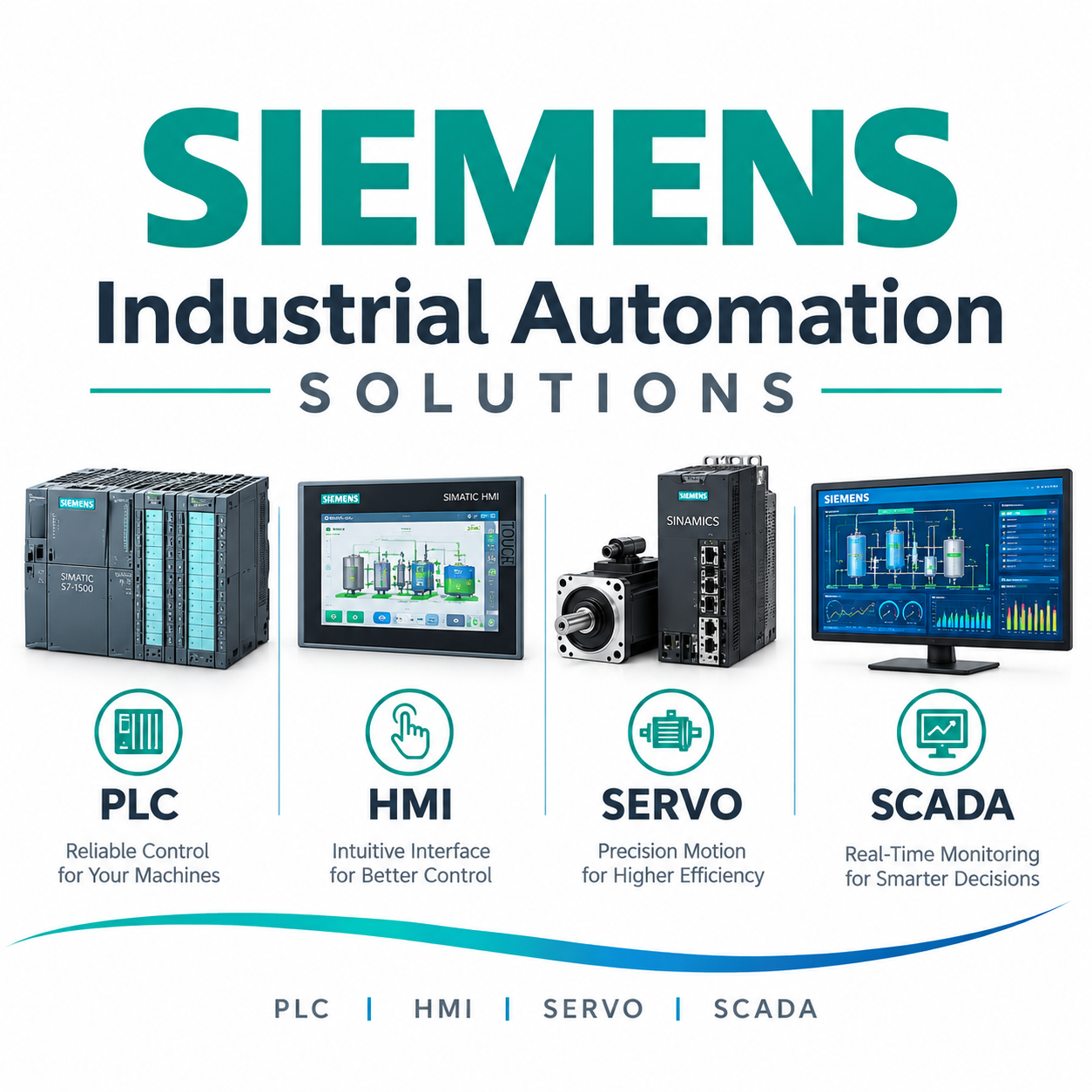 | Component Sales and Services Siemens Industrial Automation Solutions IkodeAutomation provides professional Siemens Industrial Automation solutions for machine builders, OEMs, manufacturing industries and process... View product → |
Frequently asked questions
What does Siemens TIA Portal include?
TIA Portal can combine STEP 7 for S7 controller configuration and logic, WinCC for HMI and SCADA, and options for safety, diagnostics, networks and drives such as Startdrive.
How should you build an S7-1500 project?
Start with the machine architecture, I/O list, operating sequence, safety functions, network design and drive requirements before structuring the S7-1500 hardware and program.
What is a practical Pune automation project workflow?
Review the I/O and machine documents, develop and test the PLC and HMI software, validate communications and safety functions, then commission the machine and record changes.
How do you control TIA Portal version and firmware risk?
Record the exact TIA Portal and installed options, CPU and device firmware, hardware catalog versions, project archives and tested recovery procedure.
What should an automation support provider deliver at handover?
Request the editable TIA Portal project, PLC and HMI backups, drive and safety data, licences, I/O documentation, network settings, test records, change history and recovery instructions.