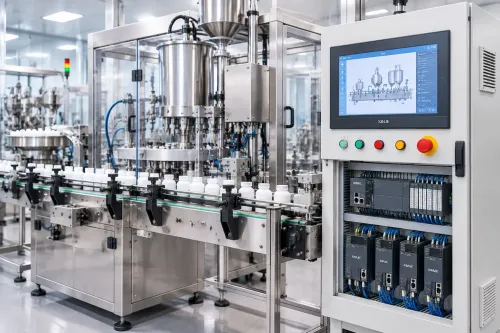

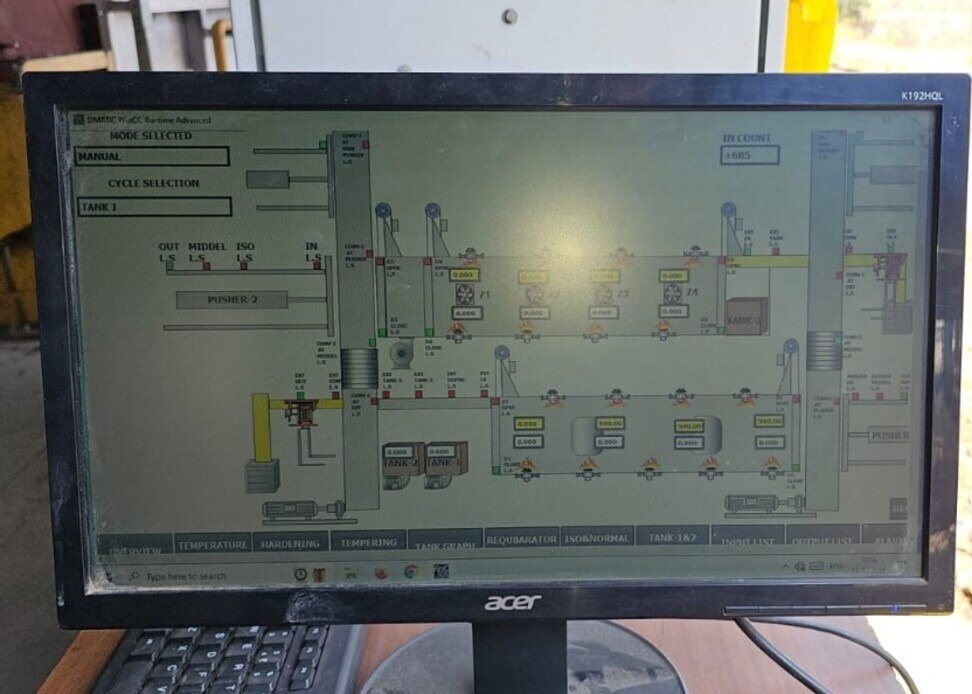
A Mitsubishi machine project is not one program: the PLC executes sequence logic, the servo system controls motion, the HMI guides operators, and SCADA supervises production data. By the end, you will be able to trace the architecture, evaluate the engineering workflow, define a realistic scope, and identify the tests and handover records that make the system recoverable.
Key takeaways
- Keep sequence logic and motion commands in the PLC and drive.
- Define machine states, permissives, interlocks and safety responses before programming.
- Test servo recovery, HMI faults, alarms and communications before commissioning.
- Demand source code, tag lists, backups and test records at handover.
How the PLC, servo, HMI, SCADA and safety layers divide the work
Each layer owns a different decision: the Mitsubishi PLC, HMI, servo and SCADA architecture keeps machine control in the PLC and drive, while HMI and SCADA supervise people and production. Sensors feed PLC inputs; the PLC executes sequence logic, permissives, interlocks, machine states and motion commands.
The servo drive closes position, speed and torque loops using motor-encoder feedback, so SCADA is not the timing authority for servo synchronisation or safety interlocks.
| Layer | Owns | Data or action |
|---|---|---|
| PLC | Sequence, states, permissives and commands | Cyclic I/O, motion setpoints and status |
| Servo drive | Position, speed and torque control | Encoder feedback and fault status |
| HMI | Commands, recipes, modes, alarms and diagnostics | Operator writes and alarm acknowledgement |
| SCADA | Views, historian tags, trends, reports and traceability | Role-based access and multi-machine data |
| Safety relay or safety PLC | Emergency stops, guard switches and STO | Independent trips and validated reset |
Safety circuits supervise emergency stops, guard switches and safe torque off; ordinary HMI buttons or SCADA writes must not replace that assessed architecture.
Network choice changes how data travels. Mitsubishi industrial Ethernet, CC-Link and CC-Link IE support device communication; CC-Link IE TSN carries cyclic, time-sensitive control traffic when the master, slaves, servo amplifiers and timing settings are compatible. Modbus TCP, OPC UA and serial links commonly carry non-cyclic engineering, diagnostics or SCADA traffic.
For Mitsubishi automation system integration, document VLANs or network zones, IP addresses, device roles, data types, timestamps and gateway boundaries. A Mitsubishi-only system still needs compatible drivers and firmware. In a mixed-vendor system, an Ethernet port proves only physical connectivity; interoperability depends on the selected driver, gateway, protocol and firmware.
What happens from the first machine specification to a tested control project
Begin with a machine specification, not ladder logic. Record the sequence, cycle time, operating modes, product variants, axis count, motor and load data, safety architecture, environmental conditions and production-reporting needs.
1. Convert those requirements into an I/O list. Give every point a tag name, signal type, address, fail state, scaling rule and description. Use it to produce electrical drawings, panel layouts, network topology and a hardware compatibility review.
2. Select the platform before programming. MELSEC iQ-R and iQ-F are different targets; the CPU determines capacity, motion modules, network options, instruction set and compatible devices. GX Works3 serves current iQ-R and iQ-F projects. For older equipment, check the existing CPU, firmware and project backup because GX Works2 may be required.
3. Build the control project in layers: PLC programming for sequence and interlocks, GOT screens in GT Works3 for modes, recipes and alarms, servo configuration for axes, and SCADA tag mapping for supervisory data. This is the core of a Mitsubishi PLC programming service and Mitsubishi automation system integration.
4. Run FAT against an agreed protocol, not a sequence dry run. Record simulated I/O, interlocks, communication loss and restoration, servo faults, power cycling, recipe checks, SCADA historian checks, user permissions, safety validation and backup restoration.
5. Commission at site, verify the machine with production hardware, then hand over commented source projects, parameters, recipes, drawings, tag and alarm lists, network details, software and firmware versions, change history and a tested restore procedure.
How servo motion, HMI operation and fault recovery are engineered
Safe, repeatable motion starts with a mechanical calculation, not a PLC instruction. Select each axis, then size the motor and drive for reflected inertia, continuous and peak torque, acceleration, deceleration, duty cycle, load speed and gearing. Check vertical-axis holding, regenerative energy and following-error limits; adequate nominal power does not prevent peak-torque or regeneration faults.
- Let the PLC issue motion commands while the servo drive manages position, speed and torque-loop behaviour. Configure electronic gearing, positioning tables, speed and torque limits, then commission auto-tuning and resonance suppression under the actual production load. Copied parameters are not a substitute for tuning.
- Define homing as a machine procedure: specify the sensor, approach direction, creep speed, offset and limit-switch response. Interlock automatic operation until homing is valid, display an unreferenced state, and define recovery after an interrupted home.
- Build HMI screens for auto, manual, setup and maintenance modes. Show permissives and interlocks before enabling a command; expose diagnostic counters, recovery instructions and controlled recipe editing.
- Record alarm occurrence, acknowledgement and return-to-normal as separate events, with the operator identity and user permission. Do not let an HMI or SCADA write conceal an active fault.
- Keep emergency stop, guard interlocking and Safe Torque Off inside the assessed, validated safety architecture. Ordinary PLC logic, an HMI button or SCADA command may display safety status, but must not be the protective layer.
A Mitsubishi PLC programming service should document these states, limits and recovery paths alongside the motion code. That discipline makes a mitsubishi plc hmi servo scada project diagnosable rather than merely operational.
When SCADA adds value, and how tags and communications stay reliable
A standalone GOT machine HMI is sufficient when one machine needs local commands, recipes, alarms and diagnostics. SCADA justifies its server, database, networking, cybersecurity, backup and training effort when operators need multiple-machine views, historian records, trends, reports, role-based access, production traceability or long-term analysis.
| GOT HMI | SCADA |
|---|---|
| Local machine operation and diagnostics | Supervisory views across machines |
| Current values and alarm history | Historian records, trends and reports |
| Simple user access | Role-based access and traceability |
| No additional server required | Requires planned databases, backups and cybersecurity |
Design tags before building screens. Expose meaningful states such as Auto, Manual, Starved, Blocked and Fault, plus production values such as count, rate and cycle time; do not mirror every PLC bit. Define each tag’s name, unit, scale, quality flag, source timestamp, alarm priority, deadband, retention period and owner.
A Mitsubishi PLC connection is not automatically OPC UA. The project may use an OPC UA or OPC DA server, MC protocol, SLMP, a vendor driver, database interface or edge gateway. Direct drivers reduce infrastructure; gateways bridge vendors but add configuration, licensing, failure points and tag-maintenance work.
Check historian timestamps against a trusted clock, review alarm floods, define stale-data quality states and specify what the HMI and SCADA do after communication failure. Time-synchronise PLCs, servers and gateways.
Siemens, Rockwell and Delta interoperability is a separately scoped mixed-vendor question: confirm the driver, data types, timestamps, failover behaviour and firmware before promising a reliable Mitsubishi PLC HMI servo SCADA system. Proper Mitsubishi automation system integration documents every boundary.
How to select a Bengaluru integrator and protect the project at handover
Choose a Mitsubishi automation provider in Bengaluru by testing its scope, evidence and recovery plan—not by accepting a claim that it is the best. Give the team the machine sequence, cycle time, I/O schedule, axis count, motor and load data, safety design, existing PLC and HMI backups, network topology, SCADA tag count and reporting requirements.
Ask whether remote support covers software faults, when site commissioning is required, and how a brownfield shutdown will be planned. Confirm how Bengaluru travel, FAT attendance and production-window limits affect startup.
IkodeAutomation |08048033508 is one local integrator you can ask to scope Mitsubishi PLC, HMI, servo and SCADA work; judge its proposal against the same evidence.
Compare the platforms on these decision points:
| Option | Motion and installed-base fit | Tools, spares and support |
|---|---|---|
| Mitsubishi | Strong fit where existing MELSEC, GOT or Mitsubishi servo equipment is retained | GX Works2 or GX Works3, local spares and trained technicians |
| Siemens | Fit where the plant standard, drives and controls already use Siemens | TIA Portal, established service partners and installed-base knowledge |
| Rockwell or Delta | Consider where their motion hardware, software and maintenance skills already dominate | Check tool licensing, replacement stock and technician training |
Before final payment, require:
- Commented GX Works2 or GX Works3 source, GOT and GT Works3 files, servo parameters, recipes, electrical drawings, I/O and alarm lists.
- Network addresses, software and firmware versions, user accounts, manuals, FAT and commissioning records, and change history.
- A tested restore procedure covering PLC, HMI, servo and SCADA backups. A Mitsubishi PLC programming service that cannot restore the project has not completed handover.
Related products
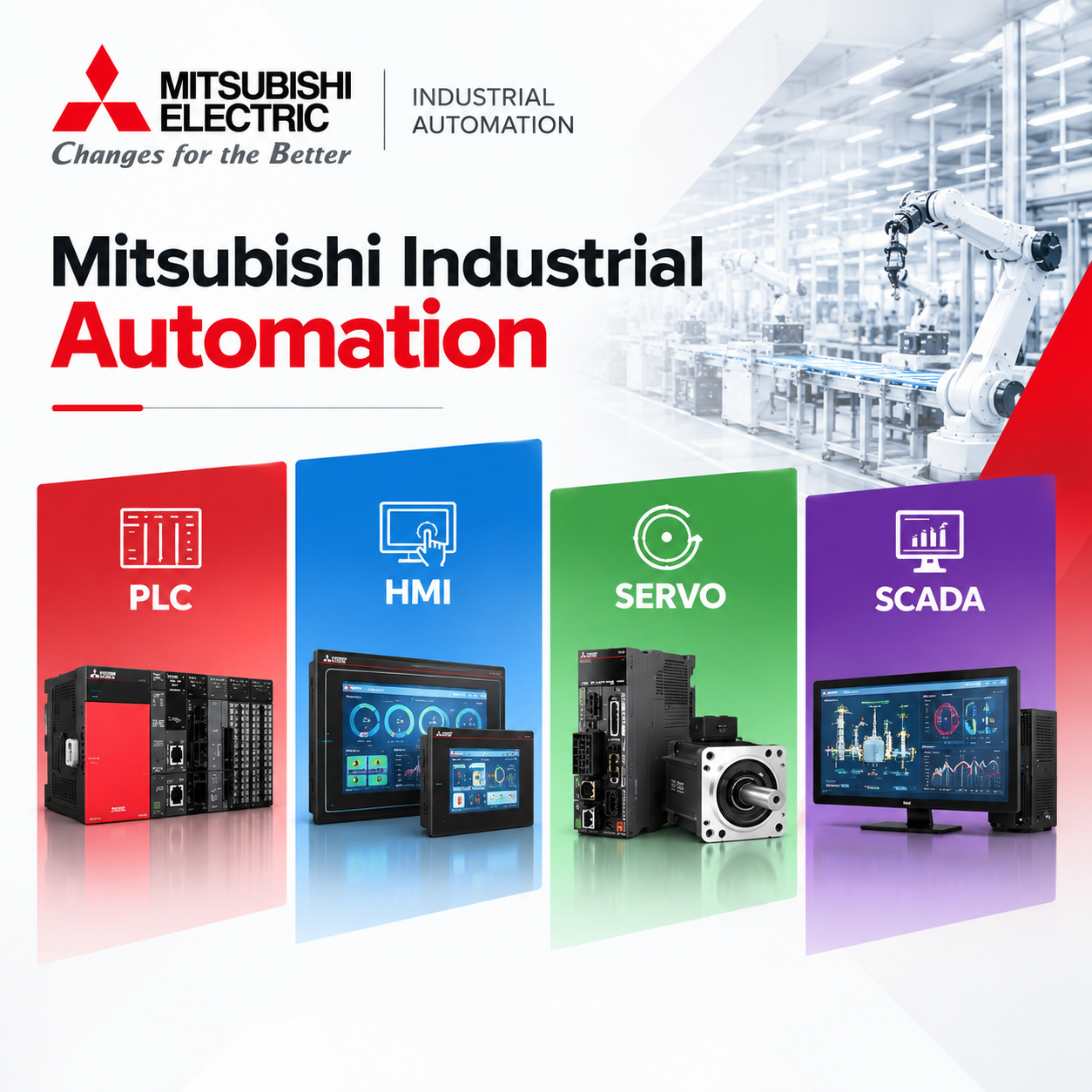 | Component Sales and Services Mitsubishi Industrial Automation IkodeAutomation offers Mitsubishi Electric industrial automation solutions for machine builders, OEMs, manufacturers and industrial applications. View product → |
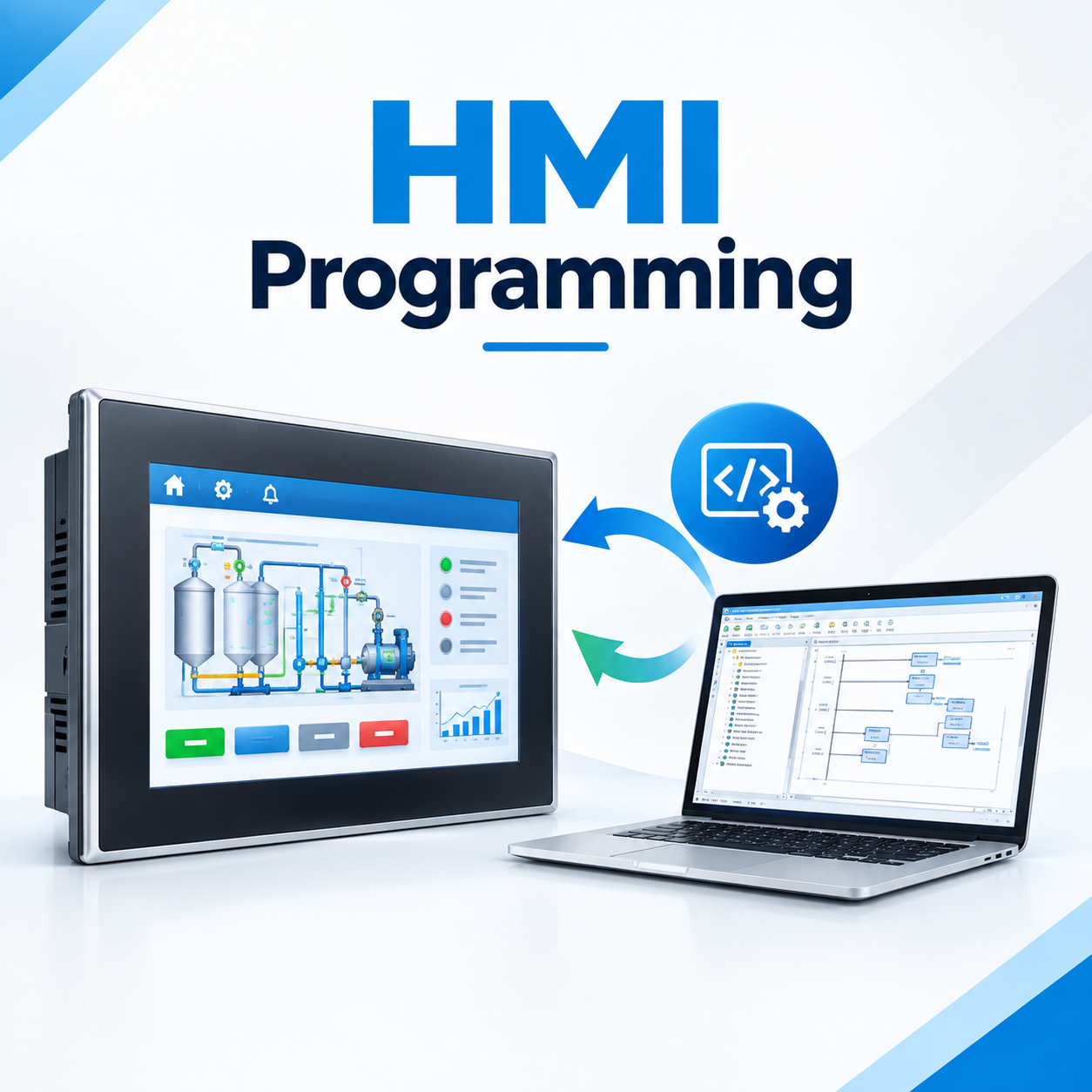 | Industrial Automation Solutions & System Integration HMI Programming Services Ikodeautomation is one of the best HMI programming and industrial automation solution providers, offering professional HMI development and PLC-HMI... View product → |
Frequently asked questions
What does each layer do in a Mitsubishi PLC, HMI, servo and SCADA system?
The PLC runs sequence logic, permissives, interlocks and machine states; the servo system controls motion; the HMI guides operators; SCADA supervises production and collects data; the safety layer handles hazard-related stops.
What happens before a Mitsubishi automation project is commissioned?
The team converts the machine specification into an I/O list, control narrative, sequence states, electrical design, motion requirements, HMI screens, SCADA tags and test procedures before building and testing the project.
How should servo motion, HMI operation and fault recovery be engineered?
Define homing, limits, speed and position profiles, permissives, alarm messages, reset conditions and recovery sequences, then test normal cycles and fault cases at the machine.
When does SCADA add value to a Mitsubishi control system?
SCADA adds value when operators need plant-wide visibility, historical trends, alarms, reports, production records or access to multiple machines; reliable tag naming and communications testing are essential.
What should you require from a Bengaluru automation integrator at handover?
Require tested PLC, HMI and SCADA source files, servo parameters, electrical drawings, I/O and tag lists, backups, alarm records, network settings, manuals, training and signed commissioning results.
Related products
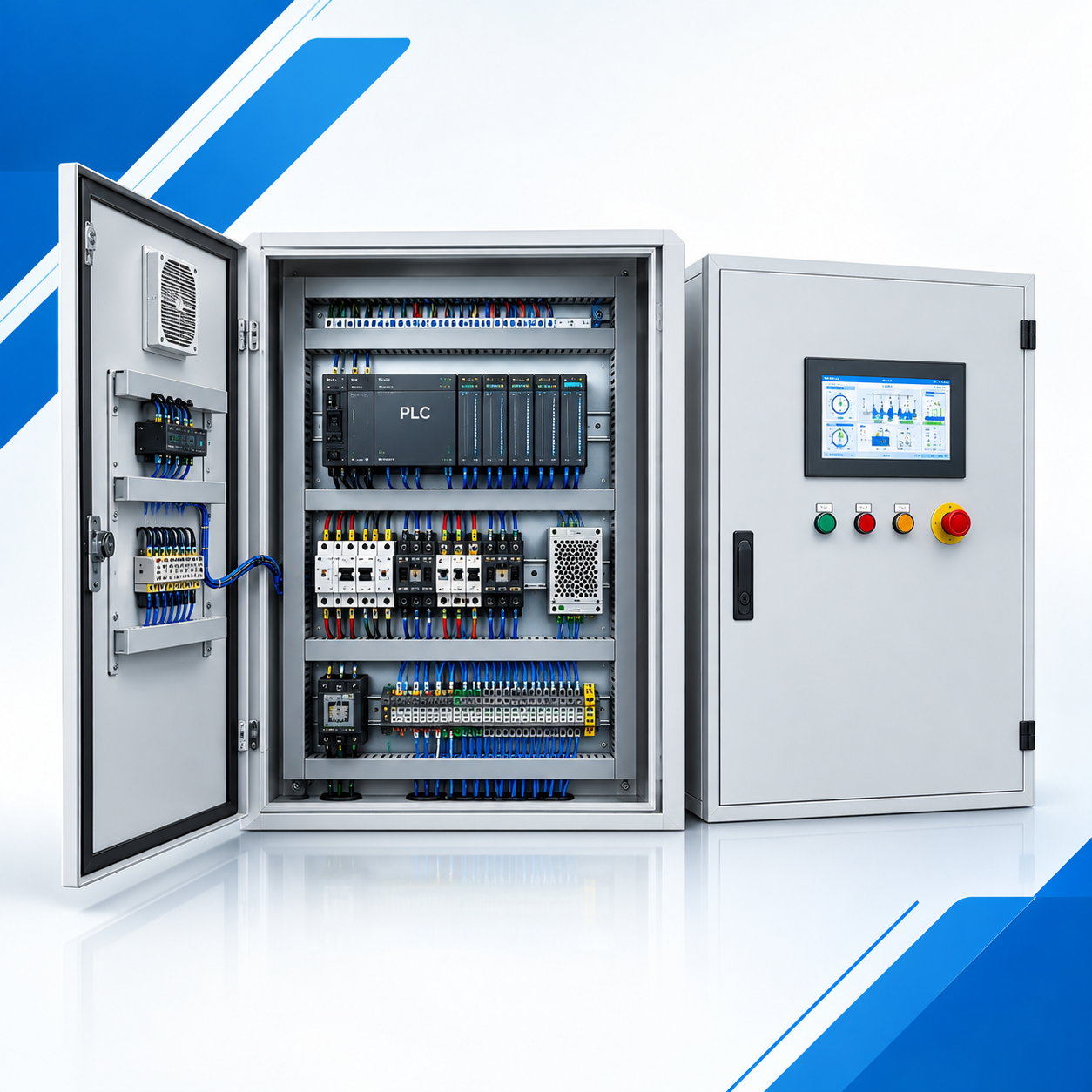 | Industrial Automation Solutions & System Integration PLC Control Panel Manufacturer & Automation Solutions Professional PLC Control Panel Design & Automation Solutions -Ikodeautomation provides professional PLC Control Panel design, manufacturing,... View product → |
 | Industrial Automation Solutions & System Integration PLC Programming Services Professional PLC Programming & Automation Solutions - Ikode Automation is one of the best PLC programming and industrial automation solution... View product → |
 | Industrial Automation Solutions & System Integration PLC Integration & Industrial SCADA SCADA Development Services Industrial SCADA Solutions by Ikodeautomation is one of the leading choices for SCADA development and industrial automation solutions, providing... View product → |
 | Industrial Automation Solutions & System Integration Industrial Automation Component Sales Reliable Automation Components. Trusted Industrial Solutions.Ikodeautomation is one of the leading industrial automation component sellers and... View product → |